Feature

Build your
bag.

Build your bag in the app. Add every disc you throw, log the flight numbers, and track distances, C1 hit rate and more with our practice feature.

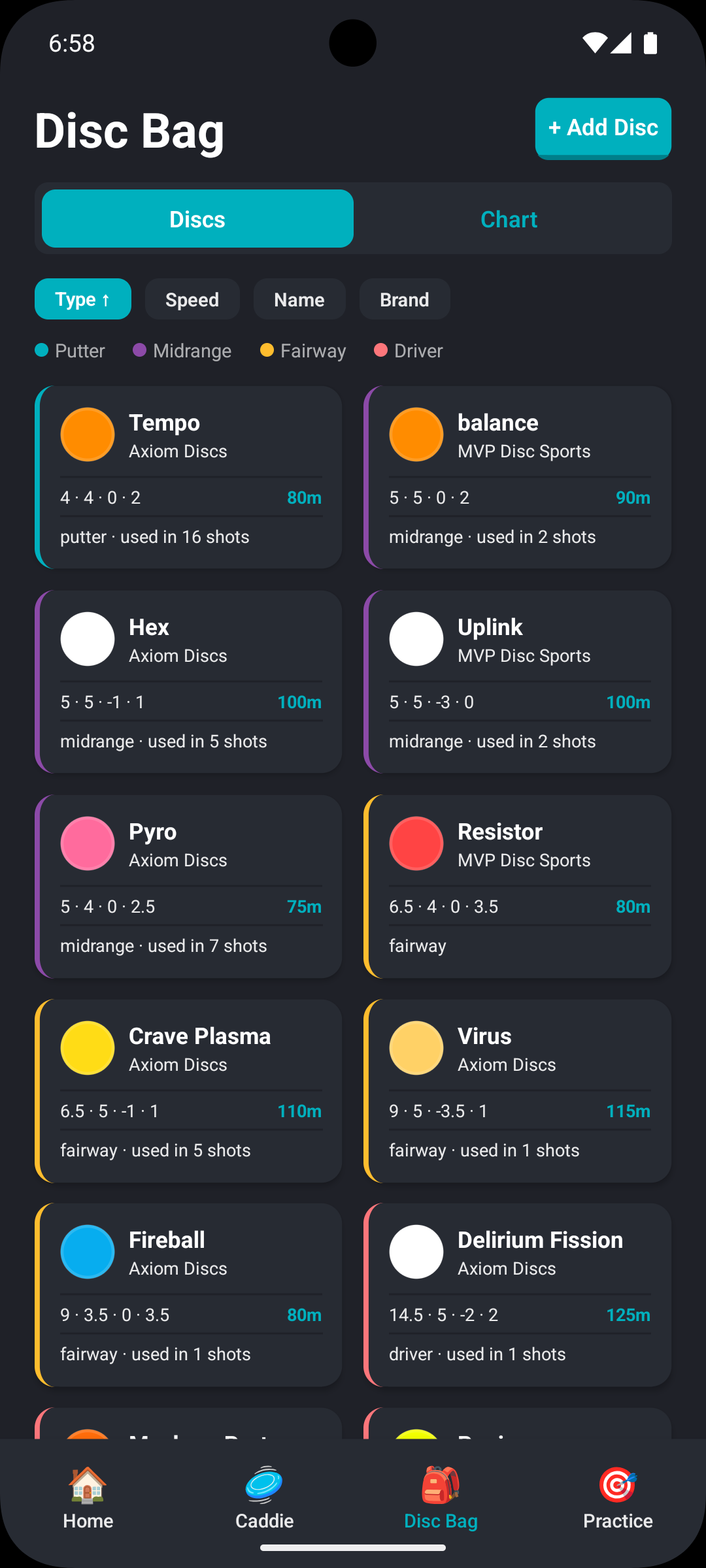
Disc bag overview
Disc detail view
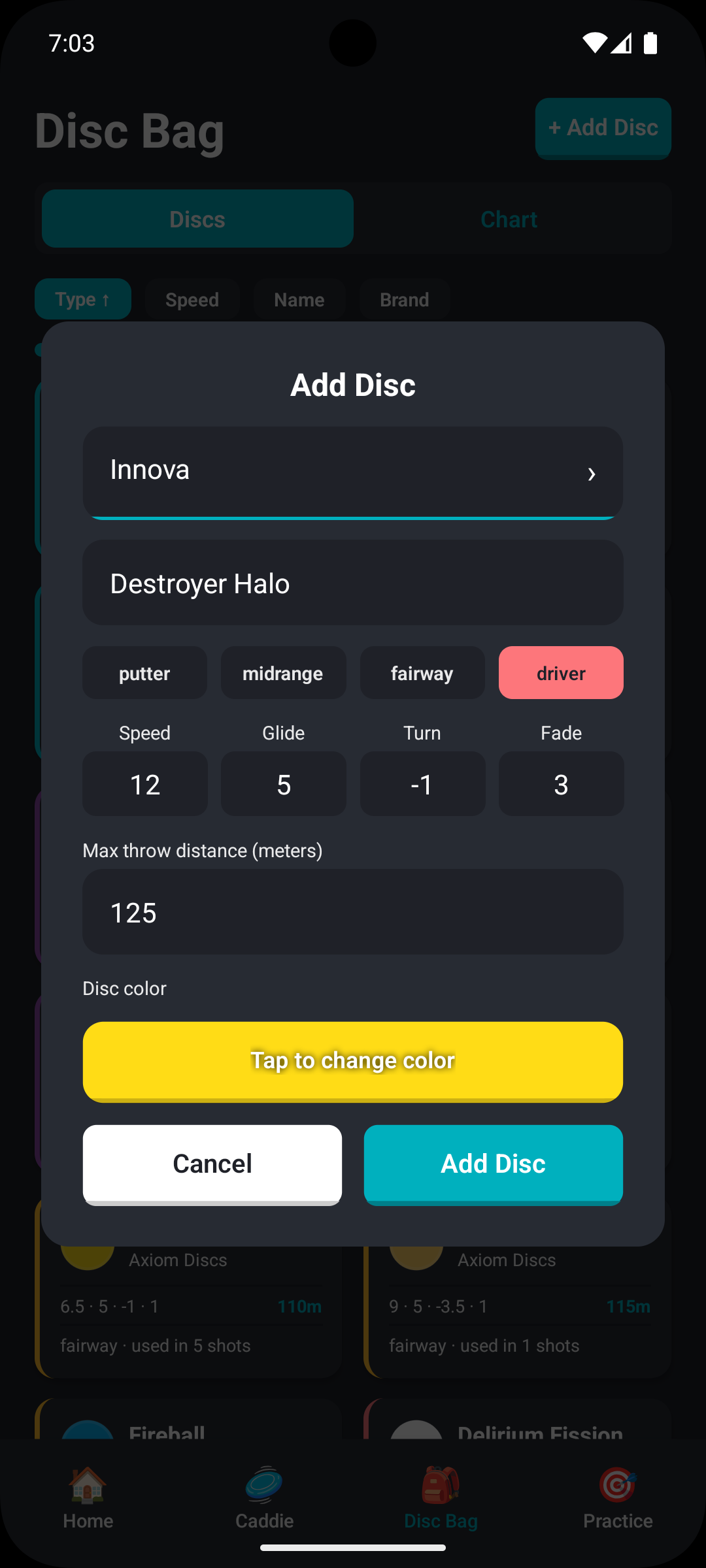
Adding a disc
Your bag

Every disc in your bag

Add each disc you own — name it, set the type, and log its flight numbers. No more overlaps and missing discs. The bag feature makes it easy to keep track of all your discs.

  • Add drivers, fairways, midranges, and putters
  • Log speed, glide, turn, and fade for every disc
  • Give each disc a custom name and color, so you always know which one is which
  • See your full bag in one scrollable list
Disc bag list view
Disc stats

Know exactly what each disc does.

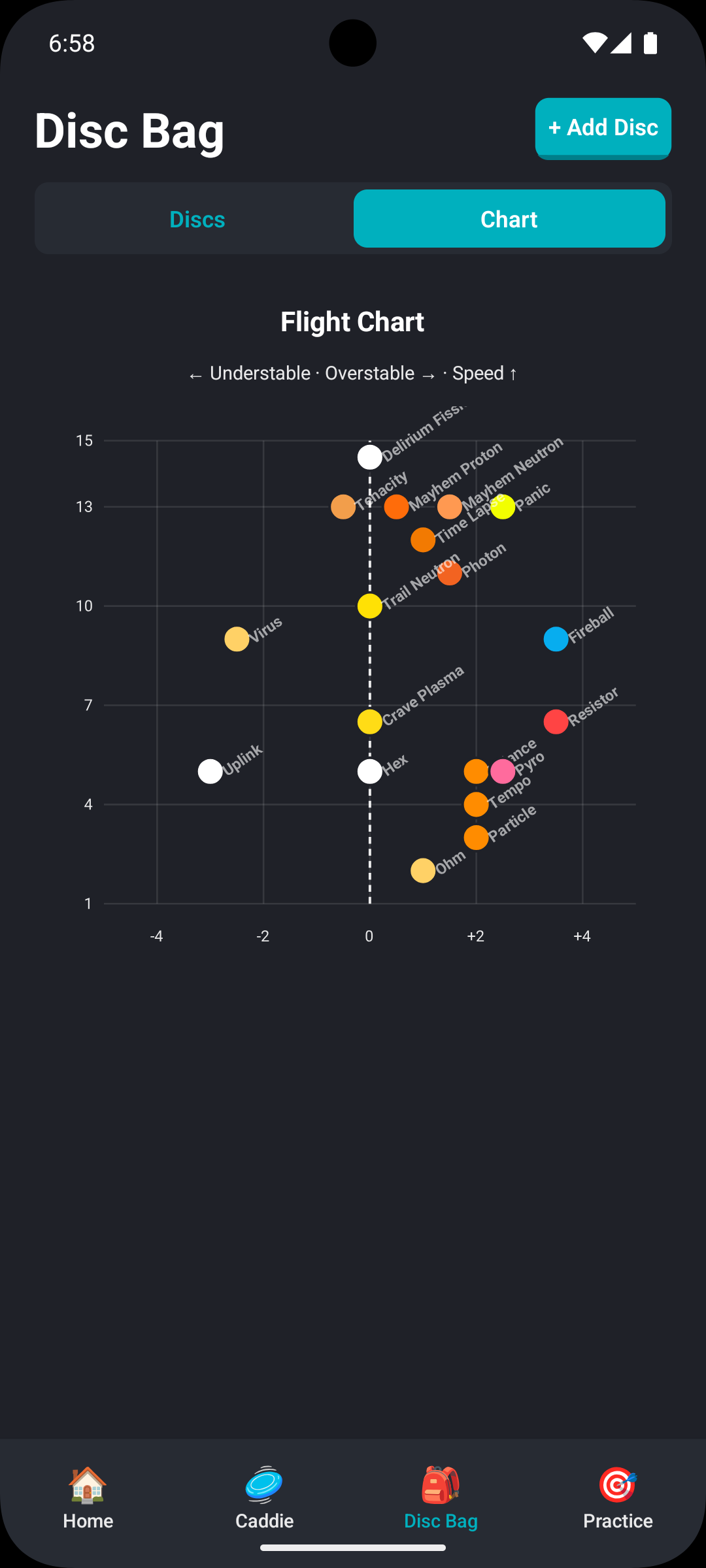
Flight numbers is one thing. Performance is another. Discaddie tracks your performance with each disc to help u choose the right disc for all your throws

  • Speed, glide, turn, and fade logged per disc
  • Numbers visible when assigning discs to caddie lines
  • Our max distance drill adds realistic data to your disc
  • Ultimately you'll make smarter choices when planning your round
Disc flight numbers detail
Caddie integration

Plan your throws and your disc of choice

Your bag feeds directly into the caddie feature. When you draw a line on a hole, you pick the disc for that shot from your bag — complete with flight numbers. No guessing on the teepad.

  • Assign any disc in your bag to any caddie line
  • Change assignments on the fly during a round
  • Disc assignments are saved with your caddie book
  • Works across all courses in the Discaddie database
Disc assignment to a caddie line

Build your bag in minutes.

Get the Discaddie app here

(download link coming soon)